Vendor sprawl doesn't announce itself. It shows up as a bill you don't recognize, a login your last IT hire never documented, and a Slack thread where nobody can agree who owns the outage. By the time it's obvious, most companies are already carrying 30–40% more IT vendors than they need — and paying for it in ways that never show up on a line item.
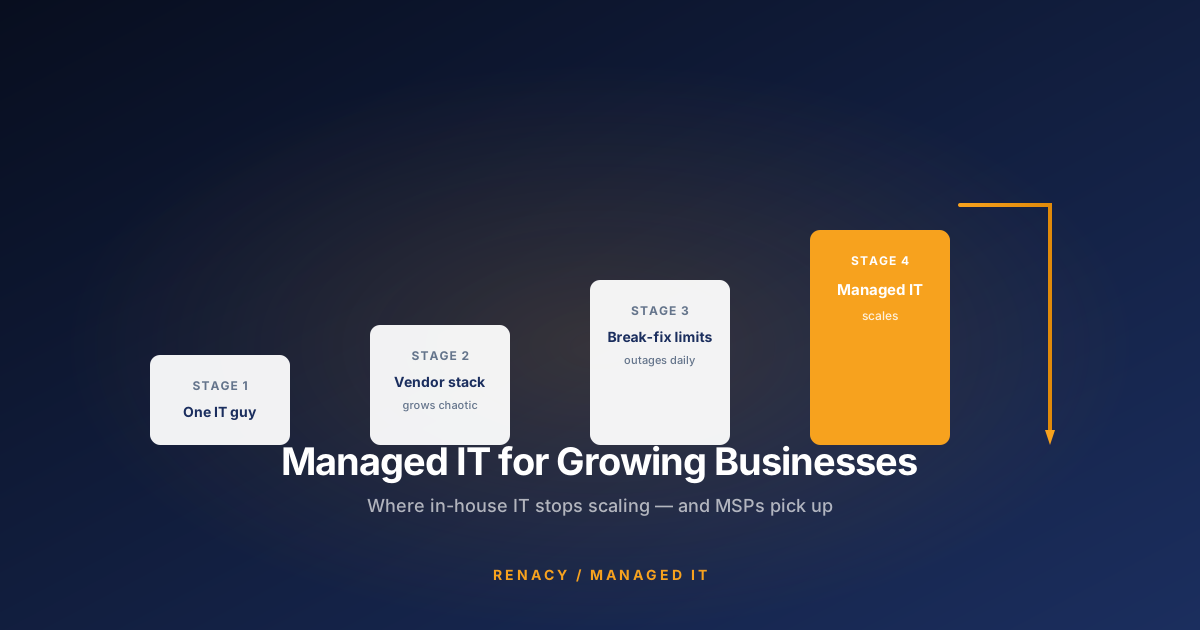
The pattern is predictable. A small business starts with one IT person and a handful of tools. Growth happens. Departments buy things. An acquisition brings its own stack. A new compliance requirement adds three point solutions. Someone leaves without documenting the vendor they set up two years ago. Nobody consolidates because nobody has time to consolidate — and because there's never a single moment where the sprawl looks bad enough to justify the disruption of fixing it.
The signs below are the ones that show up long before the sprawl becomes a crisis. If you recognize more than two, your vendor stack has outgrown itself, and the returns on cleaning it up are almost always faster than the pain of leaving it alone.
Sign #1: Your Team Asks "Who Do We Call for X?"
Healthy IT stacks have obvious ownership. When email breaks, someone knows exactly who to call. When a laptop stops connecting to VPN, the escalation path is written down and everyone follows it. When a printer refuses to print, tier-1 handles it.
Sprawled stacks don't have this. Instead, an issue surfaces and the team spends 15 minutes debating which vendor is responsible before anyone starts fixing it. Sometimes multiple vendors get called simultaneously, each investigating in isolation, none of them the actual owner. Sometimes the ticket gets bounced between two vendors for hours while each insists it's the other's problem.
The tell isn't whether your team knows who to call — it's how long the pause is before someone says a name with confidence. If that pause is longer than three seconds, your ownership boundaries are not clear enough, and the sprawl is the reason.
Sign #2: You're Paying for Overlapping Tools
Every mature vendor stack has at least some redundancy — it's the residue of past decisions that never got cleaned up. But when you look honestly at what you're paying for, the overlap is often shocking. Two different remote-access tools deployed to the same fleet. Three antivirus products (one from an MSP, one from the endpoint vendor, one from a security tool that nobody realized already included AV). Multiple backup systems that nobody has coordinated. Two ticketing systems. Duplicate MFA licenses.
The overlap doesn't just cost double — it creates support complexity. Which tool is the authoritative one? Which one is monitored? Which one does the compliance auditor need to see? When two tools do the same thing, staff make different choices about which one to actually use, and the picture becomes impossible to maintain.
Pull the last 90 days of licenses across your identity provider, endpoint management, and remote access tools. Match them against active headcount. Most businesses find 15–25% of licenses assigned to former employees, contractors long departed, or systems that were decommissioned but never cleaned up. That's the sprawl residue — and it's billing every month.
Sign #3: There's No Single Pane of Glass
Ask your IT lead — internal or outsourced — to show you the state of your fleet right now. How many devices are online. How many have failed their last patch. How many are missing critical updates. How many are running an unsupported OS. In a well-run environment, this is one dashboard. In a sprawled environment, it's three or four dashboards, each showing part of the picture, none of them talking to each other.
The absence of a single pane of glass isn't just a UX complaint. It means no one is looking at the whole. Alerts fire in one system and nobody who's watching the other systems sees them. Metrics are inconsistent across tools, so leadership can't compare month over month. When a real incident hits, the responder has to open five tabs and correlate manually — often making mistakes under pressure.
Sign #4: Vendors Invoice You From Names Nobody Remembers Signing
Every finance team has run into this: a recurring charge from a vendor no one can identify. Sometimes it's a tool a former employee onboarded and forgot to attach to a proper owner. Sometimes it's a rebrand — the vendor changed names during an acquisition and now bills under something you don't recognize. Sometimes it's a subscription bundled inside a bigger product that expanded scope.
Whatever the reason, invoices without a known owner are the clearest measurable sign of sprawl. The fix isn't just to identify them — it's to establish a rule that every recurring IT charge has a named owner, an active use case, and a contract renewal date on file. If a vendor can't clear those three tests, it goes on the retirement list.
Sign #5: Nobody Owns the Outage
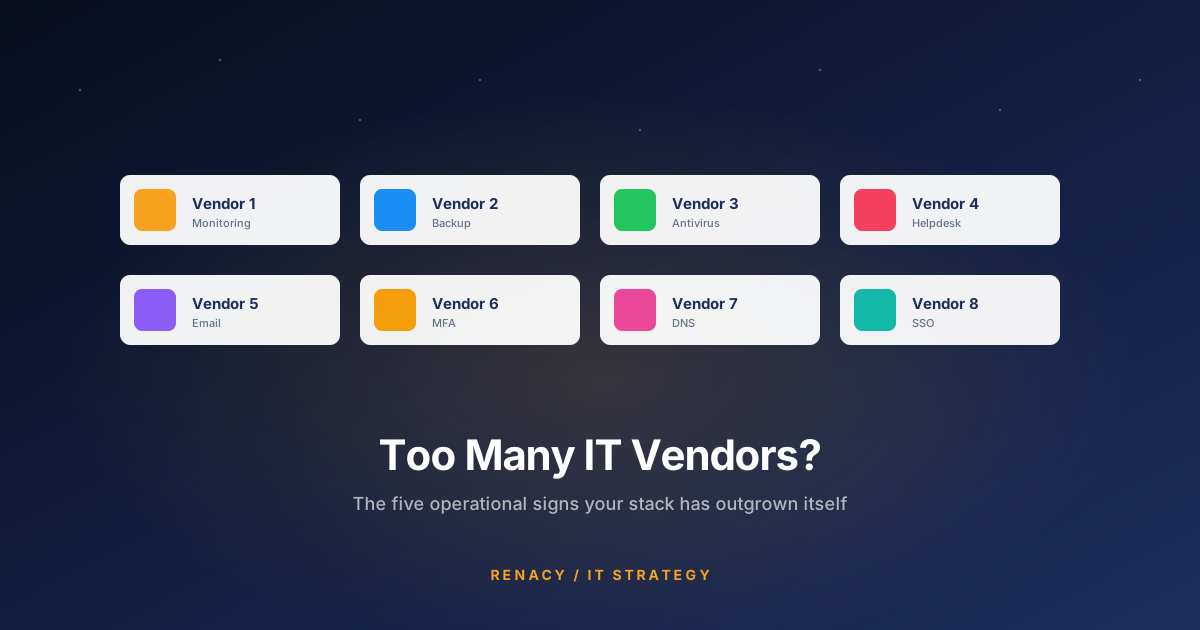
The definitive sprawl symptom shows up during incidents. Email is down. The team escalates. Vendor A says it's a DNS problem, please contact your DNS provider. Vendor B (the DNS provider) says DNS is fine, it's an authentication problem, please contact your identity vendor. Vendor C says identity is fine, it's the mail routing. Vendor D says routing is fine, back to Vendor A.
Meanwhile, three hours have passed, nobody has fixed anything, and internal stakeholders are asking why IT can't get its story straight. The problem isn't that any individual vendor is wrong. The problem is that nobody has end-to-end ownership of the outcome — and sprawl guarantees that.
Consolidated stacks solve this by design. When one vendor is responsible for monitoring, endpoint, identity, and mail routing, there's no one to hand off to. The incident gets driven to resolution because the same team that would deflect blame is also the team accountable for the outcome.
What the Sprawl Actually Costs
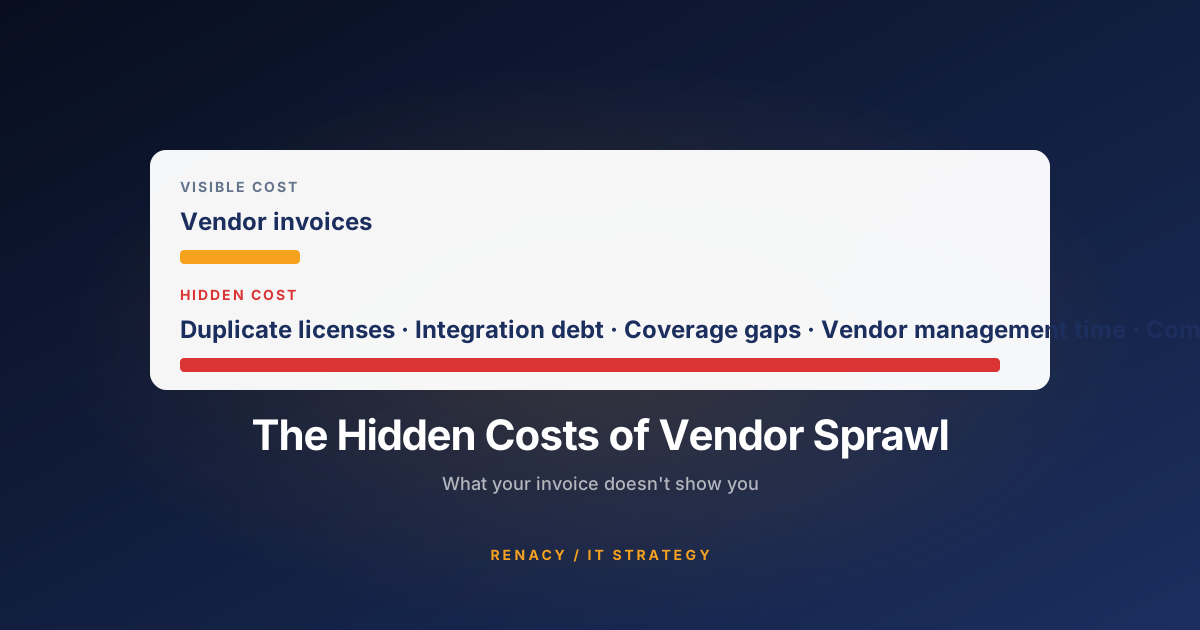
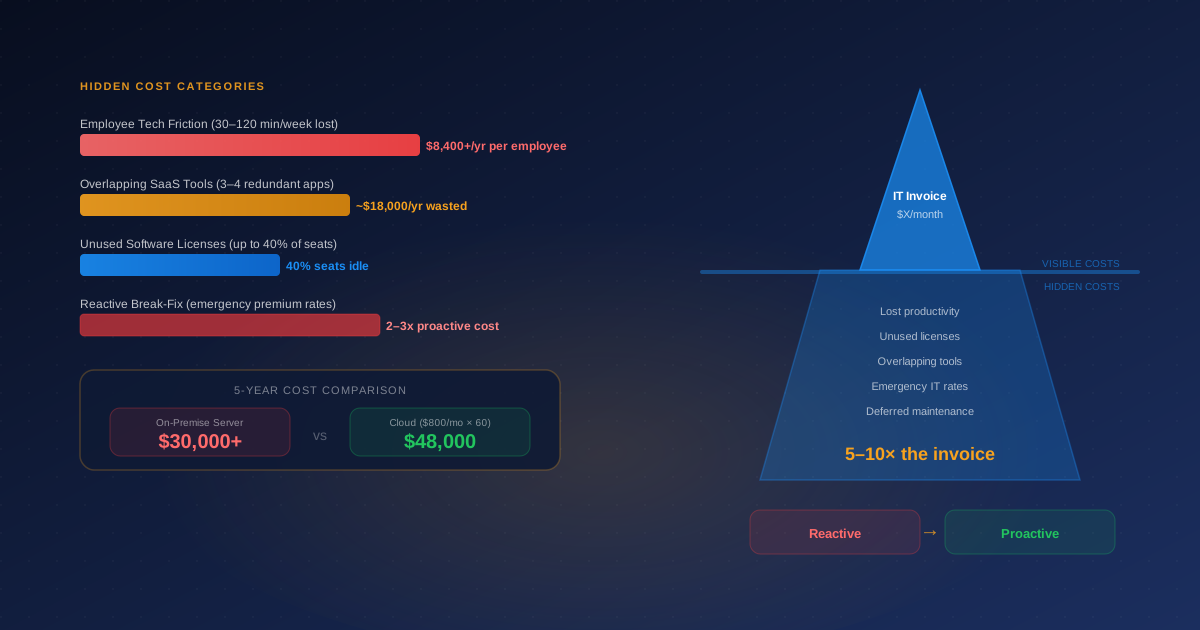
Beyond the invoice-level double-billing, the real cost of vendor sprawl is operational. Each additional vendor adds fixed overhead that doesn't scale — an onboarding process, a security review, a contract renewal cycle, an integration point that can break, an audit-log format that has to be normalized against everyone else's.
| Cost Type | Consolidated Stack (3–5 vendors) | Sprawled Stack (10+ vendors) |
|---|---|---|
| Vendor management time | ~4 hours/month | 15–30 hours/month |
| Security reviews | Annual, batch-processed | Rolling, always in progress |
| Contract renewal cycles | 3–5 per year | 10–20 per year |
| Integration surface | Standard connectors, tested | Custom scripts, brittle |
| Incident ownership | Single accountable owner | Bounced between vendors |
| Compliance evidence | Coordinated documentation | Assembled per audit |
| Total addressable spend visibility | Full | Fragmented across GLs |
How to Start Consolidating
The consolidation project is less complex than most leaders assume. The steps that consistently work:
1. Inventory Everything, Not Just What You Think You Have
Pull every recurring IT-adjacent charge from the past 12 months. Include SaaS subscriptions, monitoring tools, backup services, licensing, professional services retainers, and per-device fees. This alone usually surfaces vendors nobody remembered.
2. Group by Function, Not by Vendor Name
The point of consolidation is functional, not organizational. Group vendors into categories — endpoint, network, identity, backup, security, helpdesk, monitoring, communication. Categories with more than one vendor are candidates for immediate scrutiny.
3. Identify What Genuinely Needs Its Own Vendor
Some categories are legitimately specialized — a regulated industry may need a specific compliance tool, a legacy application may require a specific integrator, an unusual location may have unique connectivity requirements. Everything else defaults to consolidation.
4. Design the Target State Before Cutting Anything
The most common consolidation failure is retiring a vendor before its replacement is proven. Sketch the target vendor list — usually 3–6 vendors for a mid-sized business — and validate that it covers all current use cases before beginning the actual retirement process.
5. Plan the Retirement Sequence
Consolidations happen serially, not in parallel. Retire one vendor at a time, in order of highest overlap and lowest switching cost. The first two or three retirements typically fund the rest of the project.
The Consolidation Rule of Thumb
A well-consolidated IT stack for a 50–200 person business typically looks like this: one managed services provider covering endpoint, monitoring, patch management, backup, and helpdesk. One connectivity provider covering internet and cloud connectivity. One identity provider covering SSO, MFA, and provisioning. And two or three specialty vendors where the business genuinely has unique requirements — a compliance tool, a vertical-specific application, an unusual hardware need.
Everything else is sprawl. It's tolerable, but it's costing more than it looks like on the invoice — and the operational fragility it creates shows up at exactly the worst moments.
Frequently Asked Questions
How many IT vendors is too many for a mid-sized business?
There's no fixed number, but if you can't name every vendor invoicing you monthly without checking accounts payable, you're over-vendored. A well-run 50–200 person business typically consolidates to 3–6 core IT vendors: one managed services provider handling day-to-day operations, one connectivity provider, one identity/SSO platform, and specialty vendors only where truly needed.
What's the difference between vendor sprawl and healthy specialization?
Specialization is intentional — you have a specific vendor because they solve a problem no one else does well. Sprawl is accidental — vendors accumulated through department-level purchases, acquisitions, or lack of consolidation, with significant overlap in what they do. Sprawl usually has no owner, no evaluation cadence, and no exit plan.
Isn't it risky to consolidate to fewer IT vendors?
The counter-risk is real but overrated. Concentration risk from consolidation is manageable through contract terms and data portability. Sprawl risk — accountability gaps, coverage holes, and untracked spending — is invisible until it fails, which is worse. Most businesses consolidate too slowly, not too aggressively.
How do I audit our IT vendor stack?
Pull every recurring IT charge from the past 12 months, list what each vendor does, who owns the relationship, and when the contract renews. Most companies discover 20–40% duplication in the first pass — overlapping tools, unused licenses, or vendors nobody remembers signing up for.
Can a managed IT provider help us consolidate vendors?
Yes, and this is one of the most measurable ways to see ROI from an MSP relationship. A capable MSP absorbs monitoring, patching, helpdesk, backup, and identity into a single contract, which lets you retire 5–10 point vendors. Renacy typically finds 15–30% total IT spend reduction in the consolidation phase alone.
Related reading: The Hidden Costs of IT Vendor Sprawl →

Renacy is a managed IT support provider serving businesses across New York, New Jersey, Pennsylvania, Connecticut, Massachusetts, Maryland, and Washington DC. Our team specializes in proactive device monitoring, helpdesk support, cloud backup & disaster recovery, and network infrastructure management. Learn more about Renacy →