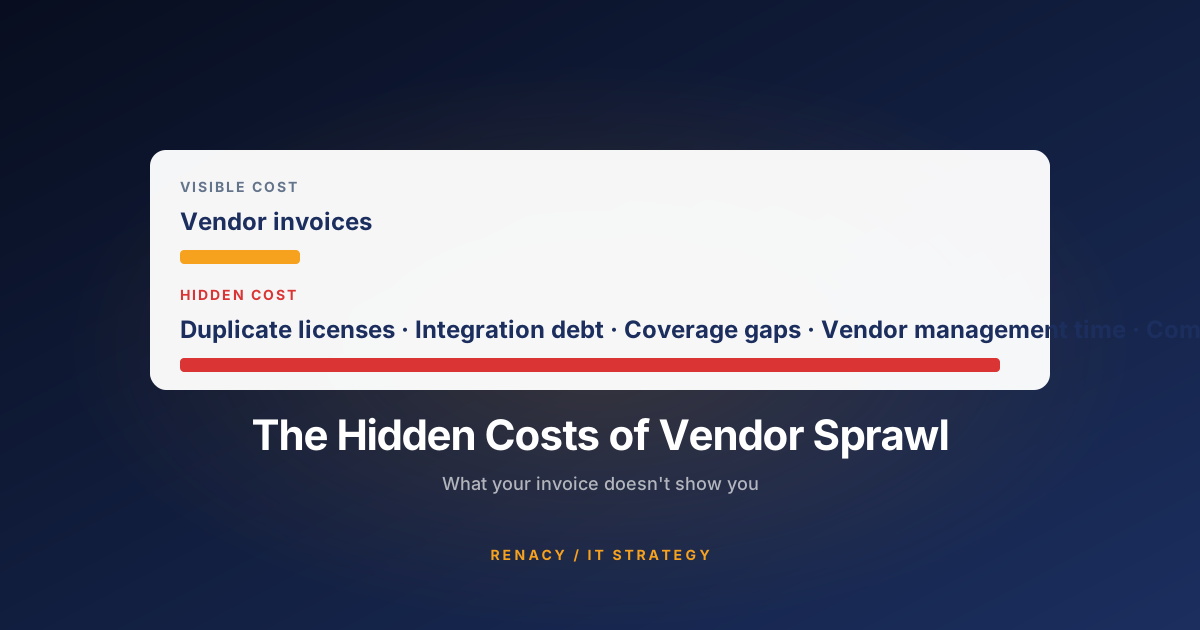
The IT invoice your finance team reviews every month is the smallest part of what you're actually spending on technology. The largest costs are buried in payroll — in the hours your employees lose every week to slow systems, broken workflows, and tools that create friction instead of removing it.
Mid-sized companies are in a particularly difficult position. They've outgrown the informal IT approach of a small startup but often haven't built the IT governance discipline of a larger enterprise. The result is a gradual accumulation of technical debt, tool sprawl, and productivity drag that no single line item captures — making it invisible to leadership until it becomes a serious operational problem.
Here are the categories of hidden IT cost that most consistently show up in mid-market organizations — and what you can actually do about them.
1. The Daily Productivity Tax: Tech Friction
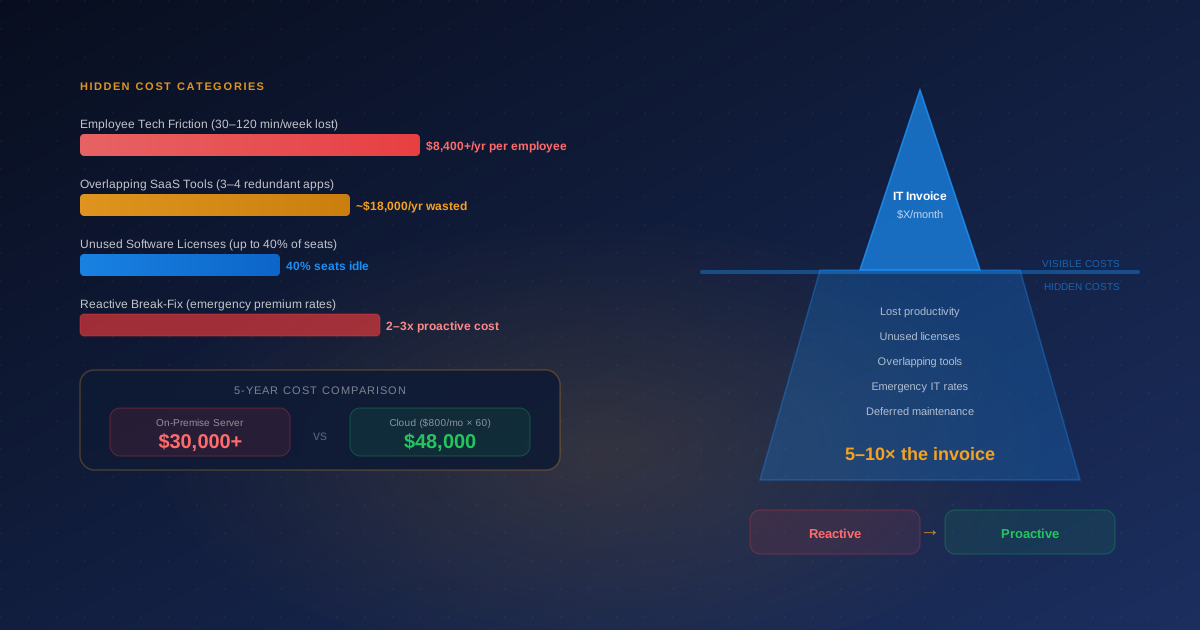
When employees consistently lose 30 minutes to 2 hours per week dealing with technology that doesn't work smoothly — slow logins, unreliable VPN, flaky applications, printers that need to be rebooted — the cost accumulates quietly across your entire payroll.
30 minutes per employee per week × 50 employees × $60 fully-loaded hourly cost = $90,000 in lost productivity annually. And that assumes only 30 minutes — organizations with significant IT friction often see 60–90 minutes per employee. This number almost always dwarfs the cost of fixing the underlying problems.
The insidious thing about tech friction is that it's normalized. Employees adapt their behavior to work around broken systems — they use personal email instead of VPN, they avoid certain tools because they're too slow, they develop shadow workflows that substitute for IT infrastructure that isn't working. By the time leadership notices, the workarounds have become cultural.
The fix is both technical and process-oriented: a helpdesk that surfaces and tracks recurring issues, a proactive support model that catches degrading systems before they fail completely, and a regular feedback loop with employees about their biggest technology frustrations.
2. SaaS Sprawl: The 3–4 Overlapping Tools Problem
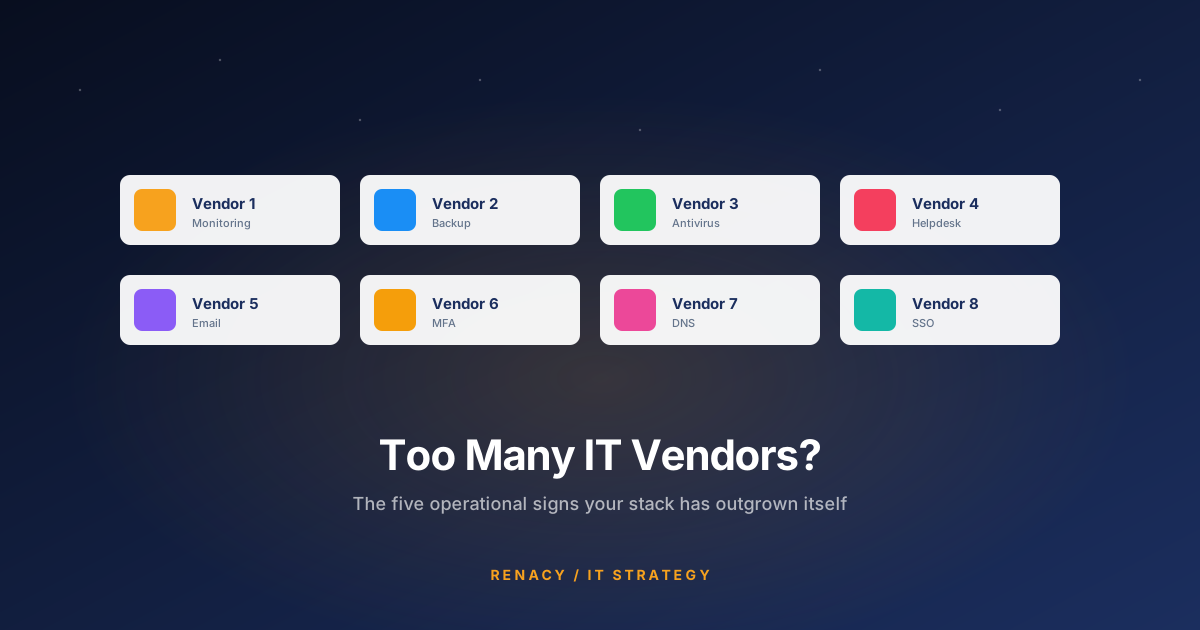
The average mid-sized company runs 3–4 tools that do roughly the same thing. Two project management platforms adopted by different teams. Three video conferencing licenses from three different vendors. Multiple document storage systems. Separate tools that could be replaced by a single platform with a little configuration.
This happens because SaaS tools are easy to adopt independently — a department lead signs up for a trial, puts a credit card on file, and by the time IT finds out about it, 20 people are using it and it's entrenched. Multiply this across a company with 50–200 employees over a few years, and you end up with a sprawling portfolio of partially-adopted tools that each have their own support burden, security posture, and renewal date.
The direct cost
Paying for multiple tools when one would do. A company with $500/month in redundant SaaS spending wastes $6,000 annually — and that's often a conservative estimate for firms with 50+ employees.
The indirect cost
Fragmented data, security gaps from ungoverned applications, and the IT overhead of supporting tools that weren't centrally evaluated, configured, or secured.
The compliance exposure
Shadow SaaS tools often store company or client data outside approved environments — a quiet compliance liability that only becomes visible during an audit or incident.
The onboarding friction
New employees arriving into an environment with 40 tools, unclear standards, and no documentation of what goes where is a productivity tax from day one.
3. Unused Software Licenses
Across most mid-sized companies, up to 40% of purchased software seats are going unused at any given time. This happens for predictable reasons: employees leave and their licenses aren't reclaimed, teams trial a tool and abandon it without canceling the subscription, or licenses are purchased in bulk at a discount and never fully deployed.
The problem compounds when no one has a clear picture of the software portfolio. Without a software asset management process, renewals auto-renew, seats stay provisioned for people who left months ago, and the total spend grows year over year without corresponding growth in actual usage.
A software audit — reviewing active versus inactive accounts across your major SaaS applications — typically takes a few hours and surfaces immediate savings. Most companies find 15–30% of their SaaS spend can be cut or consolidated without any meaningful impact on operations.
4. The On-Premise vs. Cloud Arithmetic
Many mid-sized businesses are still running on-premise servers that made financial sense when they were purchased but are approaching the end of their useful life. The decision to replace them with new hardware versus moving to cloud infrastructure is often framed as a simple cost comparison — but the full 5-year picture is more nuanced than the upfront numbers suggest.
| Cost Factor | On-Premise Server | Cloud Equivalent |
|---|---|---|
| Upfront hardware | $20,000–$40,000 | $0 |
| Monthly subscription | $0 | ~$800/month |
| 5-year total spend | $30,000–$50,000+ | ~$48,000 |
| Maintenance & patching | IT labor overhead | Included |
| Hardware refresh at year 5 | Full replacement cost | $0 |
| Scalability | Fixed capacity | Flexible, on demand |
For most mid-sized businesses, cloud infrastructure is economically comparable to on-premise over a 5-year horizon — and significantly simpler to manage. The cases where on-premise still makes strong financial sense are narrowing: very high compute/storage workloads with stable, predictable requirements, or regulated data that cannot leave a controlled environment.
5. The Reactive IT Tax
Every business on a reactive support model is paying a premium it doesn't need to pay. Emergency service calls cost 2–3x the rate of planned work. Rushed hardware replacements mean paying full retail instead of negotiated pricing. Data recovery after a failed backup that was never tested can cost tens of thousands of dollars. And the lost productivity during unplanned outages — paid for in payroll, not IT bills — adds a multiplier to every incident.
The shift from reactive to proactive IT support typically pays for itself within the first year in a combination of fewer incidents, lower emergency labor costs, and reduced downtime. The challenge is that the savings don't show up on an invoice — they show up as things that didn't happen.
Frequently Asked Questions
Related reading: Still on Break-Fix IT? Here Are the Signs You've Outgrown It →

Renacy is a managed IT support provider serving businesses across New York, New Jersey, Pennsylvania, Connecticut, Massachusetts, Maryland, and Washington DC. Our team specializes in proactive device monitoring, helpdesk support, cloud backup & disaster recovery, and network infrastructure management. Learn more about Renacy →